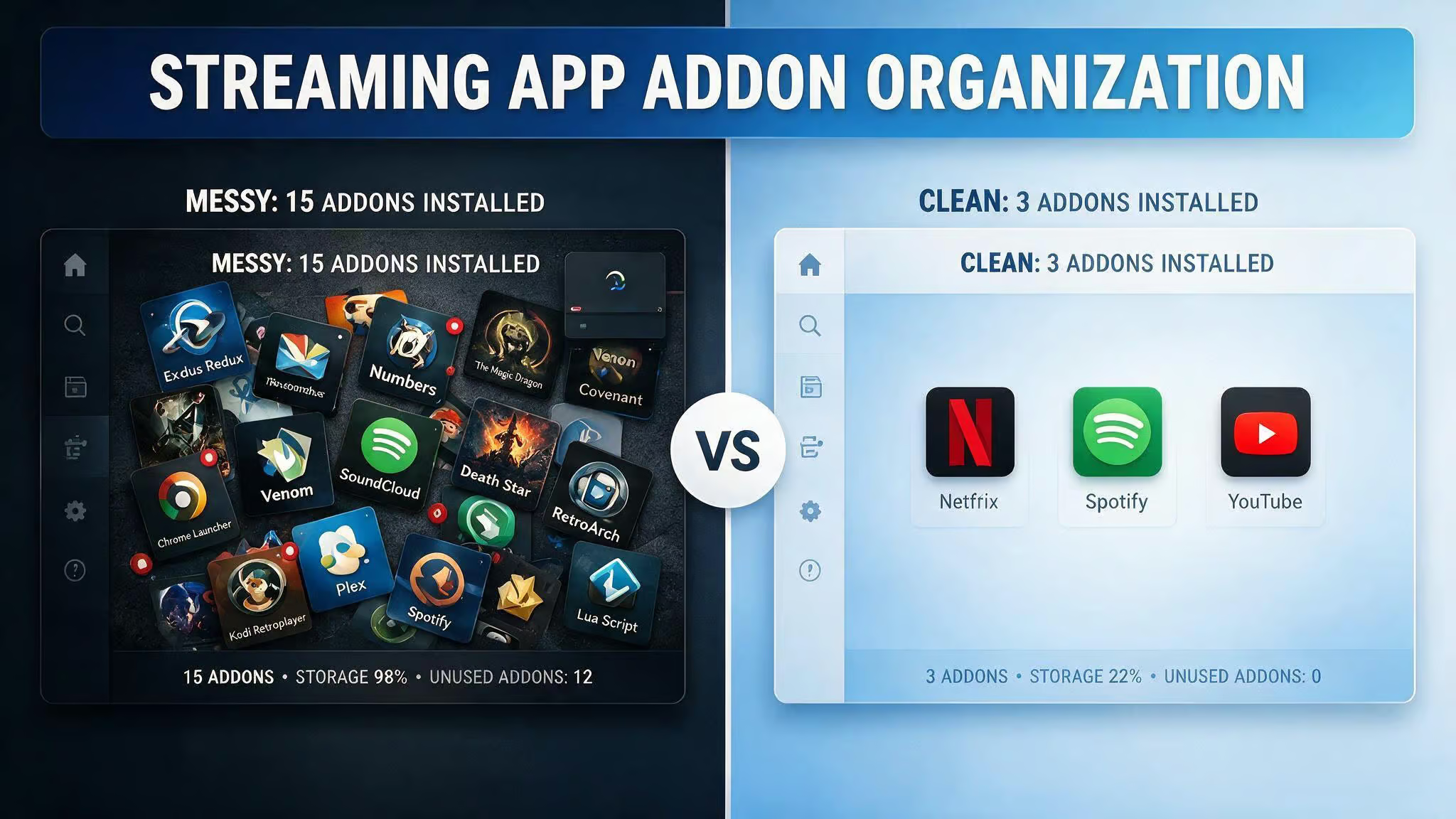
I’ve seen setups with 15 or more addons where the user couldn’t name what half of them do. That’s not a power user — that’s a ticking time bomb. Nuvio is a streaming app for cord-cutters that pulls content from all over, and it supports two different systems: built-in Plugins and third-party addons. The most common mistake? Treating them like the same thing and installing everything in sight.
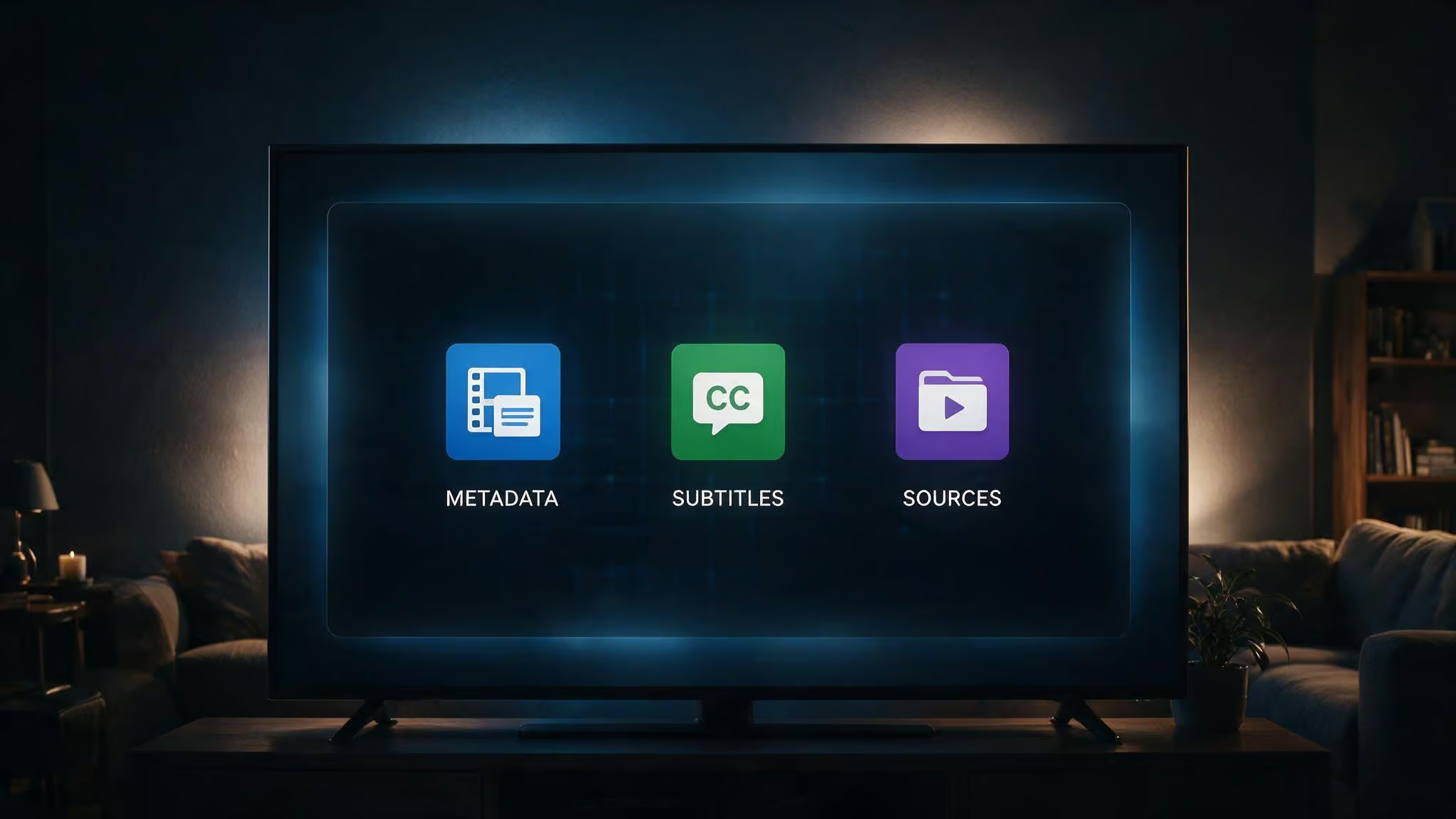
Here’s the truth straight from the NuvioSync folks: essential Nuvio addons usually fall into three categories — metadata, subtitles, and sources. That’s it. Badges, rating posters, collections, and extra catalogs are optional upgrades, not requirements. The core takeaway is permission to keep things simple.
Key Takeaways
The essential Nuvio addon setup is three things: a metadata addon, a subtitle addon, and one source addon — everything else is optional until you can name a specific missing feature.
The six best plugin repositories are D3eadlyRocket, Yoru, Phisher, Michat88, Spidey, and MoonCrown, each with different scraper lineups and use cases like broad coverage, anime/4K, or regional content.
If you’re migrating from Stremio, use the Stremio Migration tool, then remove any addon that doesn’t load, doesn’t support Nuvio, or duplicates a native feature like the built-in Trakt integration.
Table of Contents
Plugins vs Addons: What’s the Difference and Which Should You Use?
It has two separate systems for getting content, and confusing them is where most people’s setups go sideways.
Plugins are bundled HTTP scrapers installed via a single repository URL. One URL gets you multiple scrapers. TROYPOINT describes them as a collection of repositories that provide streaming links through HTTP sources. They’re the simpler, less-config path — paste a URL, get a bunch of scrapers, done.
Addons are individual extensions. They can pull in metadata, subtitles, sources, live TV streams, or debrid service integrations. More granular, more control, more configuration.
They’re complementary, not competing. Plugins handle the scraping pipeline; addons handle everything else. Here’s a quick map:
| What you need | Correct type |
|---|---|
| Streaming links from providers | Plugin (via repository URL) |
| Movie/TV descriptions and artwork | Metadata addon |
| Subtitles for foreign or older content | Subtitle addon |
| Rating badges on posters | RPDB or BetterPosters-style addon |
| Extra catalogs and collections | Catalog addon (optional) |
Don’t try to solve a metadata problem with a plugin or a scraping problem with a catalog addon. They’re different tools.
The 6 Best Nuvio Plugin Repositories (with Repo URLs and Scrapers)
One or two repositories are usually enough. You don’t need all six. Here’s what’s out there and what each one’s good for.
D3eadlyRocket — Best for broad global coverage
URL: https://raw.githubusercontent.com/D3adlyRocket/All-in-One-Nuvio/refs/heads/main/manifest.json
Scrapers: HiAnime, Castle, CinemaCity, DiziYou, DooFlix, FMovies+, Netmirror, Purstream, Streamflix, VidLink
This is the most popular starting point for a reason. It covers a wide net across mainstream and niche providers. If you only install one repo, start here.
Yoru — Best for anime and 4K content
URL: https://raw.githubusercontent.com/yoruix/nuvio-providers/refs/heads/main/manifest.json
Scrapers: 4KHDHub, AnimeKai, MovieBox, DVDPlay, YFlix, Vidlink, Cinevibe, ShowBox, DooFlix, MovieBlast
If you’re hunting for 4K releases or anime, Yoru’s scraper lineup is stronger than D3eadlyRocket’s in those specific areas. Worth adding as a second repo if your first one misses titles.
Phisher — Minimal, focused set
URL: https://raw.githubusercontent.com/phisher98/phisher-nuvio-providers/refs/heads/main/manifest.json
Scrapers: MoviesDrive, HiAnime, XDMovies
Three scrapers. Lean. Fast. If you value speed over breadth, this is your repo. Great for a minimalist setup where you know exactly what you need.
Michat88 — Solid mix of scrapers
URL: https://raw.githubusercontent.com/michat88/nuvio-providers/refs/heads/main/manifest.json
Scrapers: Kisskh, Hdrezka, Idlix, Moviesmod, Myflixer-extractor, Vidrock, Watch32, Xprime, Yflix
A good middle ground between D3eadlyRocket’s breadth and Phisher’s minimalism. The Vidrock scraper alone is worth noting for certain content.
Spidey — Regional content focus
URL: https://raw.githubusercontent.com/Abinanthankv/NuvioRepo/refs/heads/master/manifest.json
Scrapers: Tamilblastres, Movisda, ToonHub, XDmovies, DramaFull, Movies4u
If you’re looking for regional content — Tamil, drama, and niche anime. Spidey fills gaps that the broader repos miss.
MoonCrown — Turkish content specialist
URL: https://raw.githubusercontent.com/mooncrown04/nuviotr/refs/heads/main/manifest.json
Scrapers: DDizi, SinemaCx, FullHdFilmizlesene, SineWix, JetFilmizle, Webtelzle, FilmModu
Turkish-language content. Specific, focused, and the only repo in this list that targets that region. If you don’t need Turkish content, skip it.
How to Install Nuvio Plugins (Dashboard vs In-App)
You’ve got two ways to install plugins. The Account Dashboard method is the easiest, especially if you’re on Android TV or Fire TV where typing URLs with a remote is a nightmare.
Visit nuvioapp.space/account, log in, click Plugins in the left-hand menu, then click Add your first plugin. Paste the repo URL, give it a name, and hit Save. That’s it. The plugin’s sources will show up in the app immediately — no restart required.
You can also manage plugins from within the Nuvio app settings. Same result, just more typing on a remote. For Android TV and Fire TV users: open the dashboard on your phone, copy-paste the URLs, and save. Much less painful.
The Minimalist Addon Setup: What to Install First
This is the heart of the article. Here’s the framework I’ve found works from testing and helping others debug their setups.

Start with three things:
- A metadata addon (for descriptions, artwork, and info)
- A subtitle addon (for foreign or older content)
- One source addon (for actual streaming links)
That’s it. No badges, no rating posters, no collections, no extra catalogs. Not yet.
Testing protocol: Open one popular movie, one popular show, one older title, and one title you actually care about. If all four work better than before, keep the addon. If not, remove it before adding something else. This is the only test you need.
Keep/remove rule: If an addon doesn’t solve a specific problem, leave it out until the core setup works. The most common failure pattern I see is users installing every addon they find, then wondering why Nuvio loads slowly or shows duplicate rows. The tell is a setup with 15 or more addons where the user can’t name what each one does.
Migrating from Stremio to Nuvio: What to Keep and What to Remove
If you’re coming from Stremio, you can bring your setup over. Use the Stremio Migration tool to move supported addon manifest URLs, along with your library, watch history, and continue watching progress.
After migration, review the addon list inside Nuvio. Not everything will work the same. Here’s the rule: if a migrated addon fails to load, isn’t compatible with Nuvio, or duplicates a built-in feature, remove it.
The classic example is the Trakt addon. Nuvio has native Trakt integration built in. Carrying over a Trakt addon from Stremio doesn’t improve anything — it just creates duplicate rows and sync confusion. Ditch it.
After cleanup, run the 4-title test. If something’s missing, add it back deliberately. Don’t just dump everything from Stremio and hope it works.
Nuvio Streams: A Dedicated HTTP Streaming Addon
Nuvio Streams is a Stremio addon that provides direct HTTP streaming links from multiple providers. No P2P — everything is direct HTTP. It supports personal cookies for your own quota and 4K/HDR access, quality filtering, TMDB and IMDb ID compatibility, and a web-based settings panel.
The current public instance is at nuviostreams.hayd.uk. You can use that or self-host. Self-hosting provides the best experience with full access and personalized performance. If some links are missing, try a refresh or a second attempt — caching sometimes helps. If a site is blocked in your region, configure proxy URLs in your .env file.
It’s MIT licensed, open source on GitHub by tapframe. If you find it useful, you can support the developer with a small contribution on Ko-Fi.
Addons You Can Usually Skip at First (and Why)
- Duplicate source addons that return the same providers. You’re just duplicating results.
- Multiple catalog addons if you already know what you want to watch.
- Badge packs before you’ve confirmed your streams actually work. Priorities.
- Old tracker addons when Nuvio has a native integration. Use the native path.
- Repos from unrecognized sources. Stick to repos you can verify.
- Anything that doesn’t solve today’s problem. This is the golden rule.
When You Should Add More Nuvio Addons (and How to Test)
Only add more when you can name the specific missing piece. If you can’t articulate the problem, you don’t need the addon yet.
Specific triggers:
- Missing subtitles on older shows ? add or reconfigure a subtitle addon
- Posters without ratings ? add RPDB or a BetterPosters-style layer
- One source addon misses a lot of titles ? add a second source layer and compare
After each change, run the 4-title test again. If all four behave better, keep the addon. If not, remove it before adding something else. This prevents the cascade failure where five addons are fighting each other and you can’t tell which one broke things.
VPN and Debrid Recommendations (Surfshark & TorBox)
These aren’t required purchases, but if you’re already in the market, the deals are worth knowing about.
A VPN hides your streaming activity from your ISP. Surfshark has a deal going: 85% off the 24-month plan plus 3 free months, and it works on unlimited devices. One account for the whole family.
Debrid services like TorBox provide high-quality streams when plugins alone are inconsistent. TorBox has a referral program that gives you 7 free days for each month of purchase, which stack on top of your plan. That’s 84 extra days on a yearly plan, 42 on a 6-month plan, and 21 on a 3-month plan. Paste the referral code on the subscription page to get the bonus.
FAQ: Quick Answers to Common Questions
What addons do I actually need? Metadata, subtitles, and one source addon. That’s the sweet spot.
Do I need Trakt as an addon? No. Use Nuvio’s native Trakt integration. It’s cleaner and more reliable.
Can too many addons make Nuvio worse? Yes. Slow loading, duplicate rows, stale manifests, and harder troubleshooting. Every addon is a potential failure point.
Should I add Cloudstream repos as a beginner? Not first. Get metadata, subtitles, and normal sources working before adding repo-style plugins.
How do I know if an addon is worth keeping? Keep it if it addresses a specific issue and passes the 4-title test. Remove it if it duplicates or complicates.

Or
Plugin:poors free http sources
Addon:paid debrid